Execution
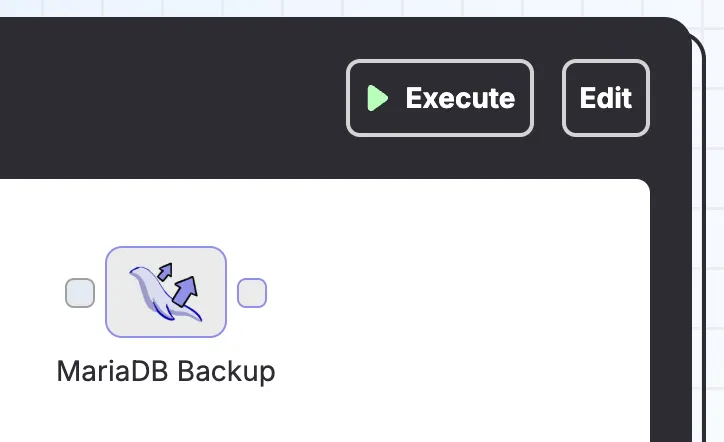
After creating a pipeline, it can be executed via the "Execute" button in the top right corner, which will immediately execute the pipeline.
This is known as ad-hoc execution, and provides a useful debugging mechanism. For example, when setting up a MariaDB backup pipeline, you might start out with a single step:
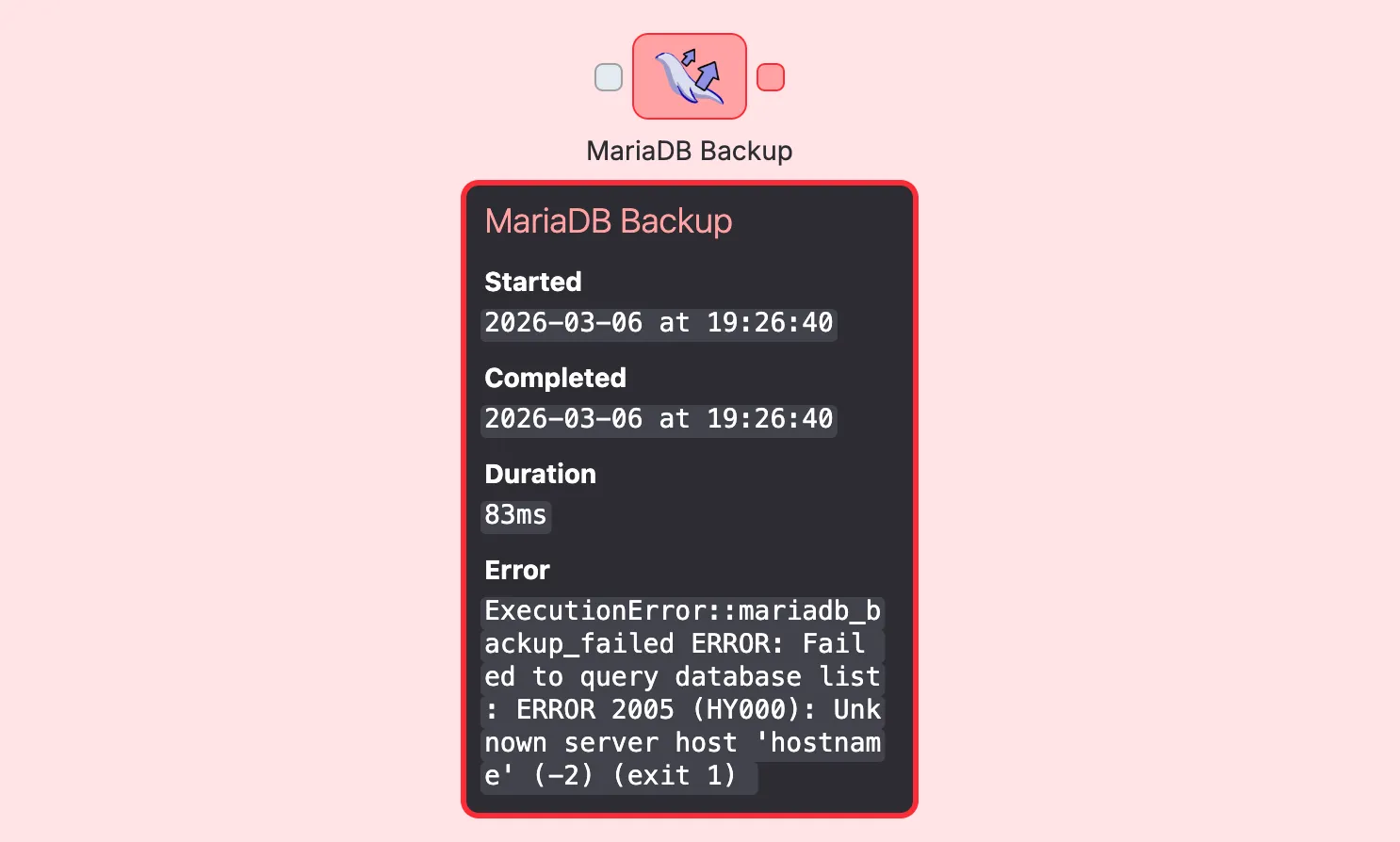
The pipeline execution might fail, in which case an error message will be displayed in the bottom right corner (or when clicking on the failed step).
Similarly, if a step has succeeded, it can be clicked and inspected for meta information like the total duration and the number of artifacts it's produced.
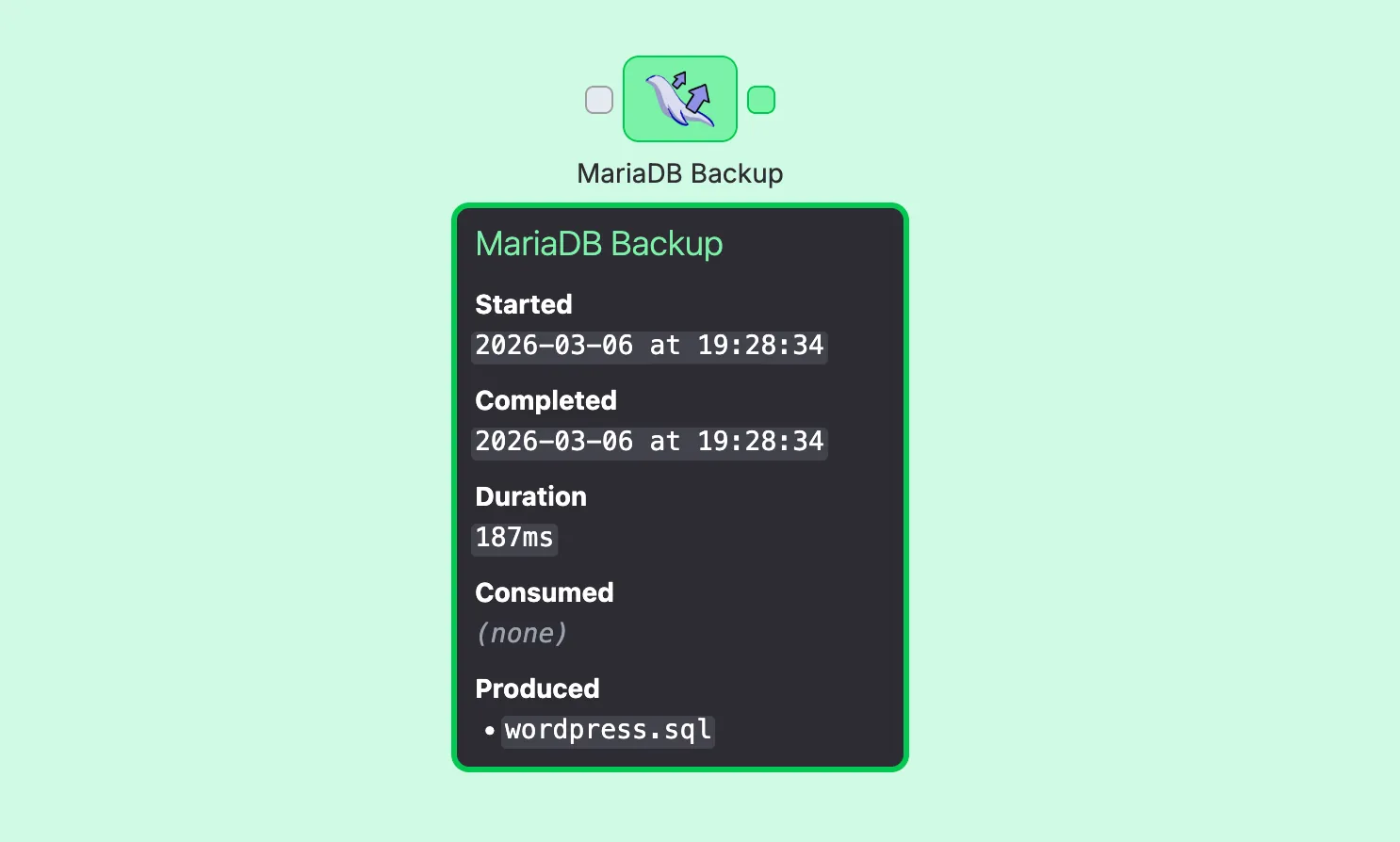
Artifacts are only persisted if a consumer step (like Filesystem Write or S3 Upload) explicitly writes them to a final destination. This means you can freely experiment without worrying about cleaning up intermediate files.
Scheduling
Pipeline executions can be scheduled using standard cron expressions.
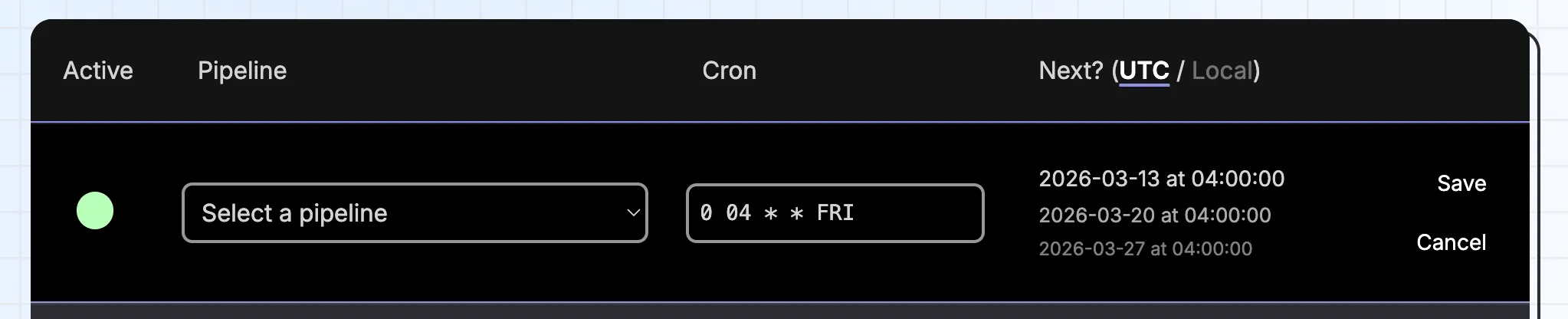
A schedule can be temporarily disabled without deleting it.
However, disabled schedules will be reactivated automatically if Brespi is reinstalled on a new server, or if its Docker container is recreated without a persistent data volume. See the Configuration section for more details.
Notifications
Notification policies let you get alerted when something happens in Brespi. Each policy defines a channel and a set of events to subscribe to.
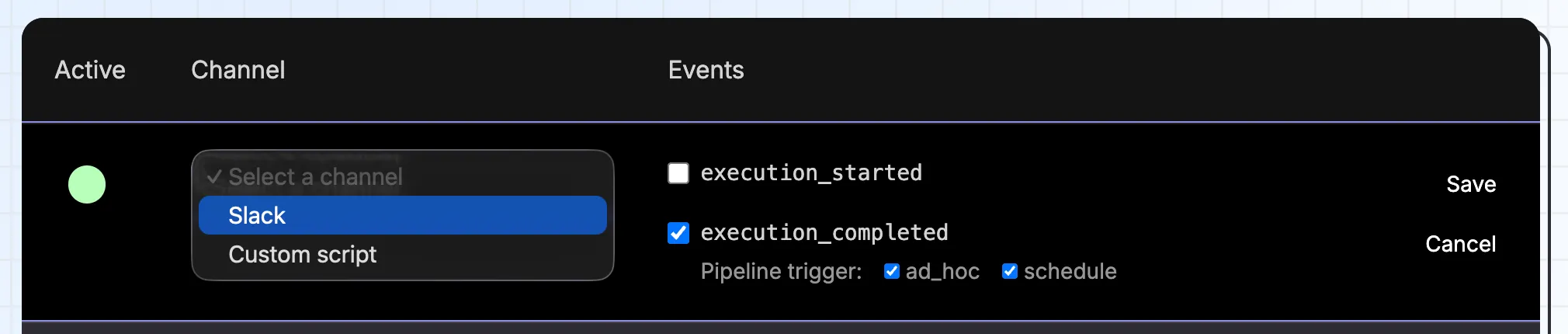
Slack is supported out of the box, but you can also specify an arbitrary bash script as the notification channel. The script receives environment variables with details about the event, making it easy to integrate with any other notification system.